

Get a summary of this article with your favorite AI:
Disclaimer: BatchDialer is designed to support responsible outreach. However, customers should still take necessary steps to ensure their cold outreach complies with applicable laws and obtain any required permissions.
Key Takeaways:
- Tracking a single KPI in isolation can be misleading. You need to monitor multiple metrics together to get the full picture of your cold calling performance.
- Five core metrics (connect rate, average call duration, calls per connect, leads generated, and average agent wait time) can reveal where you need to improve.
- A dedicated dialing platform like BatchDialer automates KPI tracking by agent, campaign, and date range, so you can spot trends before small problems get bigger.
You can’t improve what you don’t measure. When cold calling prospects, you must monitor key performance indicators (KPIs) to know what’s working and what isn’t. Otherwise, you’re flying blind and potentially wasting dial time and agent energy.
In this article, we’ll define the top five cold calling KPIs, how to track them, how they work together, common mistakes to avoid, and more.
Why Call Center KPIs Matter

Key performance indicators (KPIs) are quantifiable values tied to your business goals.
For instance, if you want more leads and you know that making more calls tends to generate more leads, keep track of how many calls you make per hour. That way, you have a baseline with which to judge your performance over time (and hopefully generate more leads).
The same is true of other metrics. However, there’s not a single KPI that will predict your business success on its own. To get the full picture, you must track a combination of KPIs.
The 5 Most Important Cold Calling Metrics to Track
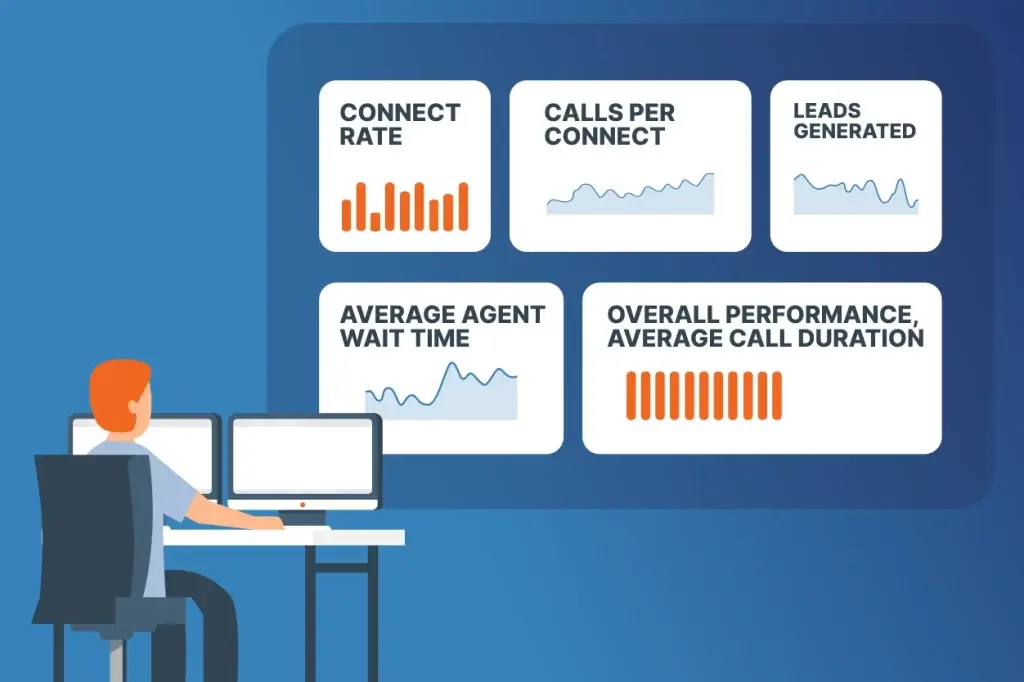
Here are the most important cold calling metrics to track:
Connect Rate
Connect rate (aka answer rate) is the percentage of calls that connect to a live contact (i.e., answered calls). It can vary based on the quality of your phone numbers, the number of numbers on your lead list, marketing campaign settings, and more.
To calculate the connect rate, simply divide the number of answered calls by the number of attempted calls (and multiply by 100 to get a percentage):
Connect Rate = Number of Answered Calls / Number of Attempted Calls
For example, if you dial 100 phone numbers and only 5 answer, your connect rate would be 5% (5 / 100 = 0.05).
Pro Tip: A healthy connect rate is often 15-20% or higher for well-optimized outbound teams. If you’re consistently below 10%, it may be time to improve your lead quality, rotate phone numbers, optimize your calling times, or monitor your caller reputation to increase answer rates
Average Call Duration
Average call duration measures the average length of connected calls. You can calculate it by dividing the sum of all connected call durations by the number of connected calls:
Average Call Duration = Sum of All Connected Call Durations / Number of Connected Calls
For example, if you had 40 connected calls, with a total duration of 50 minutes, your average call duration would be 1.25 minutes (50 / 40).
Calls Per Connect
Calls per connect measures the average number of calls required to connect with a contact. You can calculate it by dividing the number of calls made by the number of connected calls:
Calls Per Connect = Number of Attempted Calls / Number of Connected Calls
For example, if you made 100 calls, of which only 10 answered, your calls per connect would be 10 (100 / 10 = 10).
Leads Generated
The leads generated metric measures how many contacts become “leads” based on your definition of a lead, such as when someone requests a follow-up call or books a meeting. It’s calculated by adding up all the leads generated from cold calling over a specified period.
Average Agent Wait Time
Average agent wait time measures how long agents wait to connect with a contact. You can calculate it by dividing the total agent wait time during the campaign by the total number of connected calls:
Average Agent Wait Time = Total Agent Wait Time / Total Number of Connected Calls
For example, if agents wait a total of 120 minutes across 8 connected calls during a campaign, the average agent wait time would be 15 minutes (120 / 8 = 15).
How to Actually Track These Metrics
To automatically track these metrics, invest in a dedicated dialing platform like BatchDialer.
It shows all of these metrics and more, and each can be configured by agent, campaign, and date range. By regularly reviewing and looking for trends in these KPIs, you can see what’s working, what isn’t, and strategize ways to improve.
How These Metrics Work Together
To get the most out of KPIs, pay attention to how they’re related and make relevant inferences.
For instance, a low connect rate and a high number of calls per connect may reflect a lead list quality issue rather than an agent productivity problem. Similarly, a high average call duration and a low number of leads generated could signal a poor script that fails to qualify leads early.
Pro Tip: Read our article on what makes for an effective cold calling script and how AI can guide you during live calls.
5 Common Mistakes to Avoid

That said, before tracking and interpreting KPIs, avoid these common pitfalls:
Optimizing for One Metric Only
Focusing on only one metric can leave you with blind spots and misleading results. For example, if you chase after a shorter average call duration, the number of leads you generate may suffer because you’re not allowing enough time to close each deal.
Ignoring the Full Context
A 12% connect rate doesn’t mean much without knowing who the agent was, what shift they worked, and which campaign it was. By knowing the full context of a KPI, you can better compare it against internal and industry benchmarks.
Not Segmenting by Agent, Shift, or Campaign
Team-wide averages can hide the real story. For instance, a team-average call duration of 4 minutes could comprise one agent taking an average of 8 minutes per call and another taking 90 seconds per call. These present completely different opportunities for improvement.
Reviewing KPIs Too Infrequently
A monthly-only review means problems compound for weeks before anyone notices. Daily glances combined with weekly trend reviews can reveal issues while they’re still small.
Comparing Metrics Across Mismatched Time Periods
Comparing this week’s connect rate to last quarter’s, without accounting for seasonality or staffing changes, can lead to false conclusions. Always compare apples to apples.
Start Tracking These KPIs With BatchDialer Today
Ready to see how your calling campaigns are actually performing? Use BatchDialer to automate your KPI tracking, make inferences, and improve your business. But you don’t have to take our word for it. Try it yourself.
Start your 7-day free trial now!
Frequently Asked Questions (FAQs)
What are the most important call center KPIs to track?
The most important call center KPIs include connect rate, average call duration, calls per connect, leads generated, and average agent wait time. Together, these metrics show how efficiently your team is reaching prospects and where there may be room for improvement.
What’s a good connect rate for cold calling?
Connect rates vary by industry and other factors, so the most useful benchmark is your own historical average. If your connect rate drops below your normal baseline, it’s worth checking your list quality and campaign settings.
How do I know if my cold calling performance is actually improving?
Compare your call center metrics against your past performance over consistent time periods, and look at metrics in combination rather than individually.
How often should I review my call center KPIs?
A quick daily check plus a deeper weekly review is best. Daily glances can catch sudden issues, while weekly reviews can reveal gradual patterns that single-day numbers can’t.