
Get a summary of this article with your favorite AI:
Disclaimer: BatchDialer does not provide legal advice. This article is for informational purposes only. Before cold calling prospects, we recommend researching applicable laws and seeking legal advice as needed.
| Quick Answer: Predictive dialing is typically best for small sales teams focused on high call volume and efficiency, while preview dialing is better for sensitive, high-value, or follow-up conversations where preparation and personalization matter most. |
For a small sales team, how you dial prospects’ phone numbers can have a big impact on your productivity and business success.
In this article, we’ll explore two popular but different dialing modes: predictive and preview dialing. Each has its place, but to get the most out of either, you need to know when (and when not) to use them. Read on to learn more.
Key Takeaways:
- Predictive dialing maximizes call volume and productivity, while preview dialing maximizes preparation and personalization.
- Small sales teams don’t have to pick just one dialing mode. You can switch between predictive and preview dialing based on the type of campaign you’re running.
- The main trade-off is call quality vs. quantity. You can generally optimize for a high volume of calls or for high-quality, well-prepared conversations, but rarely both at once.
What Is a Predictive Dialer?
A predictive dialer is software that dials multiple phone numbers simultaneously and uses predictive algorithms to connect answered calls to available agents.
For example, BatchDialer lets you call up to five phone numbers at a time, which can help reduce call wait time and increase your sales team’s productivity.
What Is a Preview Dialer?
A preview dialer is software that dials one number at a time and provides basic background details on each lead before the call starts. This helps you prepare for each conversation and avoid redundant talking points, especially on sensitive or follow-up calls.
Predictive Dialer vs. Preview Dialer: Key Differences
Now that you know what predictive and preview dialers are, here are the key differences:
| Predictive Dialer | Preview Dialer | |
| Dialing method | Dials multiple numbers simultaneously (up to 5 lines) | Dials one number at a time |
| Call volume potential | High call volume | Low call volume |
| Call pacing | Adjusted automatically based on agent availability | Controlled by the agent/user |
| Best use case | High-volume outbound campaigns | Sensitive, high-value, or follow-up conversations |
What to Expect From Each Dialing Mode
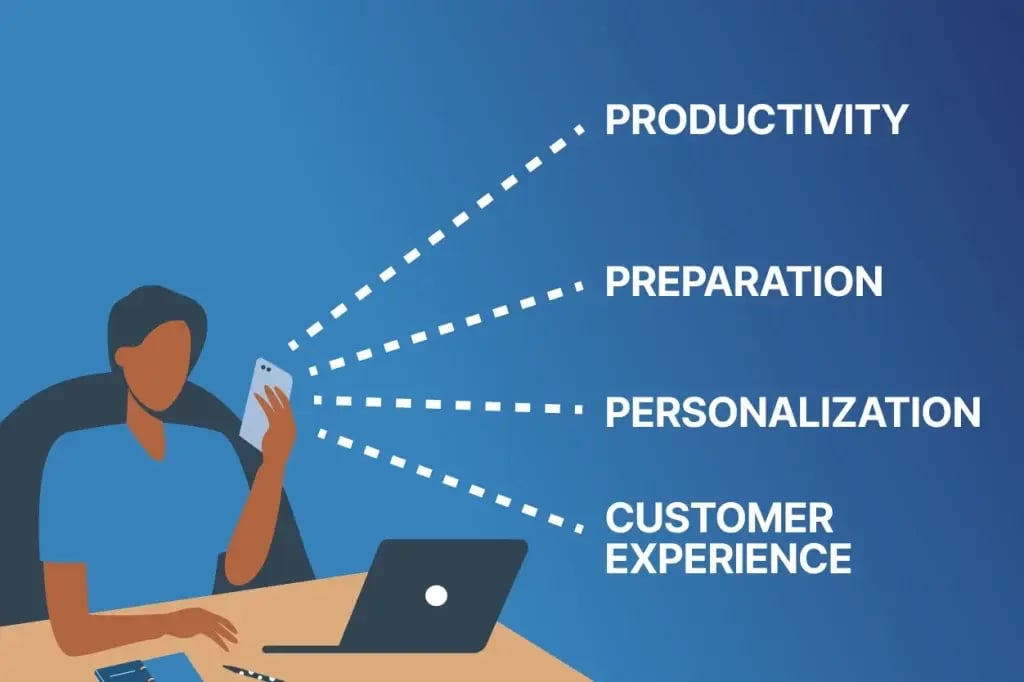
Consider each dialing mode’s impact on the following:
Productivity
Predictive dialing can help your sales team make more calls in less time, increasing your overall productivity. By comparison, preview dialers force your team to take one call at a time, limiting your productivity.
Preparation
A preview dialer provides basic background details about each prospect before you begin the call. This gives you time to prepare for the conversation. By contrast, predictive dialers force you to enter calls without notice because you never know when or which call will be answered.
Personalization
When using a preview dialer, you generally enter conversations knowing enough about the prospect to personalize your approach. That’s not always the case when using a predictive dialer. Sometimes you’re entering calls blind, forcing you to make a generic offer.
Customer Experience
You can provide a top-notch customer experience no matter what dialing mode you’re in. However, preview dialers make it easier to do your homework on each prospect upfront so you can better tailor the conversation and your offer.
Small Sales Team Challenges and Opportunities
It’s no secret that small sales teams face many challenges:
- Having limited resources: You must allocate them wisely to keep your business running and growing.
- Balancing call quality with productivity: You must ensure high call quality while also staying productive.
- Maximizing every conversation: You can’t afford to lose business to poor conversations when every lead counts.
However, small sales teams also have the flexibility to switch between dialing modes based on their current needs.
When to Use Which Dialing Mode
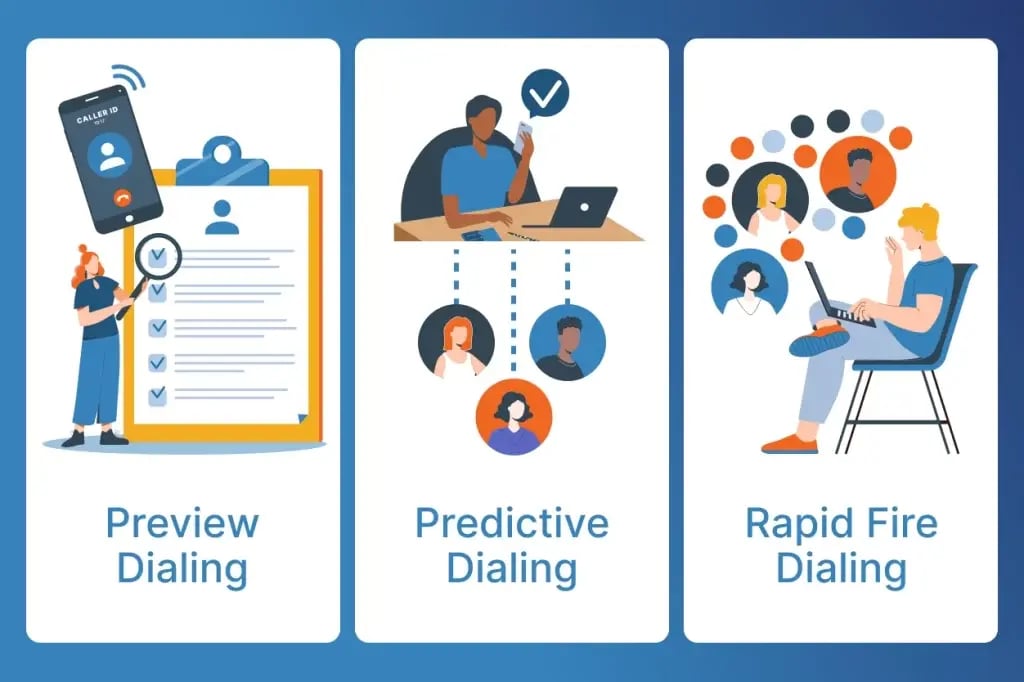
Here are some guidelines on how to choose between predictive and preview dialing modes:
When to Use Predictive Dialing
As your business and call volume grow, operational efficiency tends to become a priority. Consequently, you may want to switch to a predictive dialer to make as many calls as possible.
When to Use Preview Dialing
Use Preview Dialing when calls require more context or a personalized approach. It gives agents time to review the contact’s details, previous interactions, and relevant notes before placing the call, making it especially useful for high-value prospects, sensitive conversations, and follow-up calls.
How to Choose the Right Dialing Mode
That said, the right dialing mode ultimately depends on your business goals, not just the size or age of your business. The main trade-off is between conversation quality and call volume. You can maximize one or the other, but usually not both simultaneously.
Common Mistakes to Avoid
Before calling prospects with a predictive or preview dialer, avoid these common pitfalls:
- Ignoring abandonment rates on predictive dialing: Dialing too many lines at once can leave prospects with dead air or dropped calls when no agent is available, which can frustrate leads and hurt your reputation.
- Violating telemarketing regulations: Rules around abandonment rates, calling hours, and consent can vary. Check the rules in your jurisdiction before launching a dialing campaign.
- Sticking with one dialing mode regardless of context: Using predictive dialing for sensitive, high-value, or follow-up calls (or preview dialing for large-volume outbound pushes) wastes the strengths of each mode.
- Overloading agents with call volume: Pushing predictive dialing too aggressively can burn out a small team and hurt call quality, even if raw call counts increase.
- Not monitoring performance metrics: Skipping regular reviews of answer rates, conversion rates, and other metrics can make it harder to know when it’s time to switch dialing modes.
Toggle Between Predictive and Preview Dialing with BatchDialer
With BatchDialer, you can seamlessly toggle between predictive and preview dialing modes, depending on what the campaign calls for. This gives you the best of both worlds without having to switch between two different platforms.
Start your 7-day free trial of BatchDialer now!
Frequently Asked Questions (FAQs)
What is the difference between a predictive dialer and a preview dialer?
A predictive dialer automatically dials multiple phone numbers at once and connects answered calls to available agents, while a preview dialer dials one number at a time and shows agents background details about the prospect before the call starts.
Is predictive dialing or preview dialing better for small sales teams?
It depends on your goals. Predictive dialing tends to work well for sales teams focused on high-volume outbound calling, while preview dialing suits teams prioritizing personalized, well-prepared conversations. Many sales teams switch between both.
What are the benefits of predictive dialing?
The biggest predictive dialer benefits are increased agent productivity and higher call volume, since agents spend less time waiting between calls.
What are the benefits of preview dialing?
The biggest preview dialer benefits include better call preparation, more personalized conversations, and often a better customer experience, since agents can review lead details before each call.
Can I use both predictive and preview dialing in the same call center dialer?
Yes, many modern call center dialer platforms, including BatchDialer, let you toggle between predictive and preview dialing modes. This flexibility can help you balance outbound calling efficiency with call quality.